
DevTools
Work in Progress
mobx-view-model-devtools is currently a WIP project. The API and features may change at any time.
A standalone devtools panel for inspecting and debugging your ViewModel instances in real time.
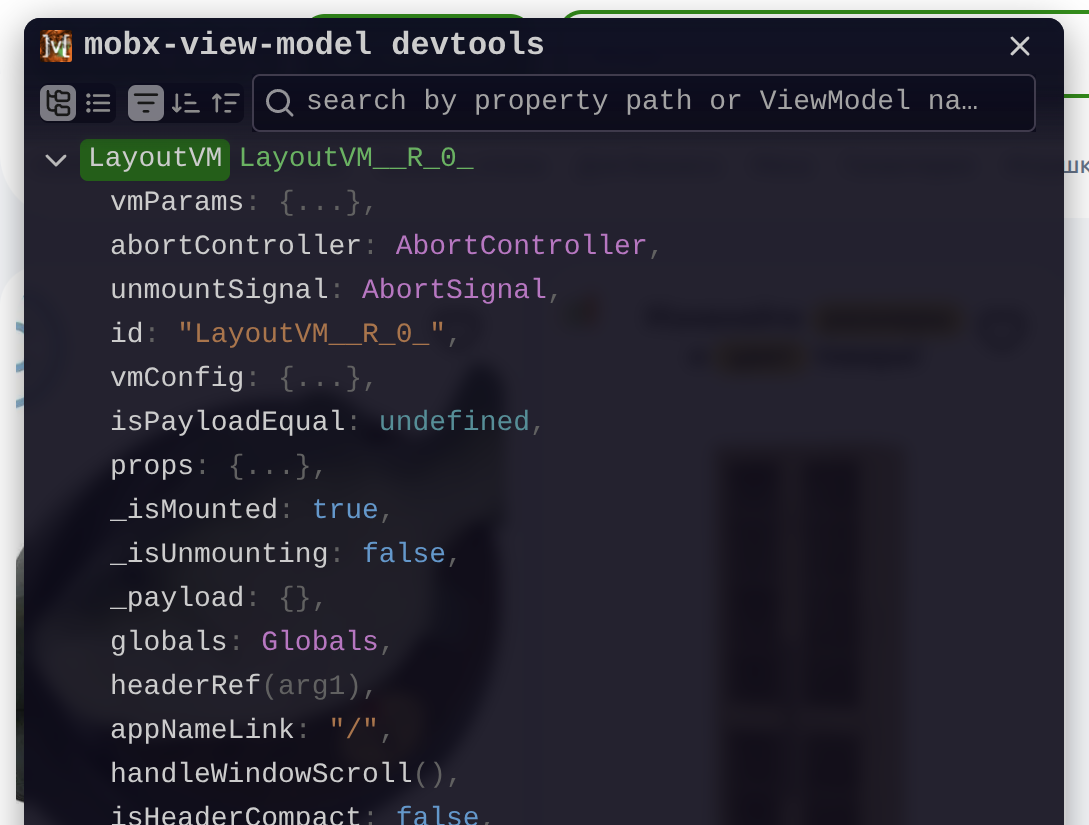
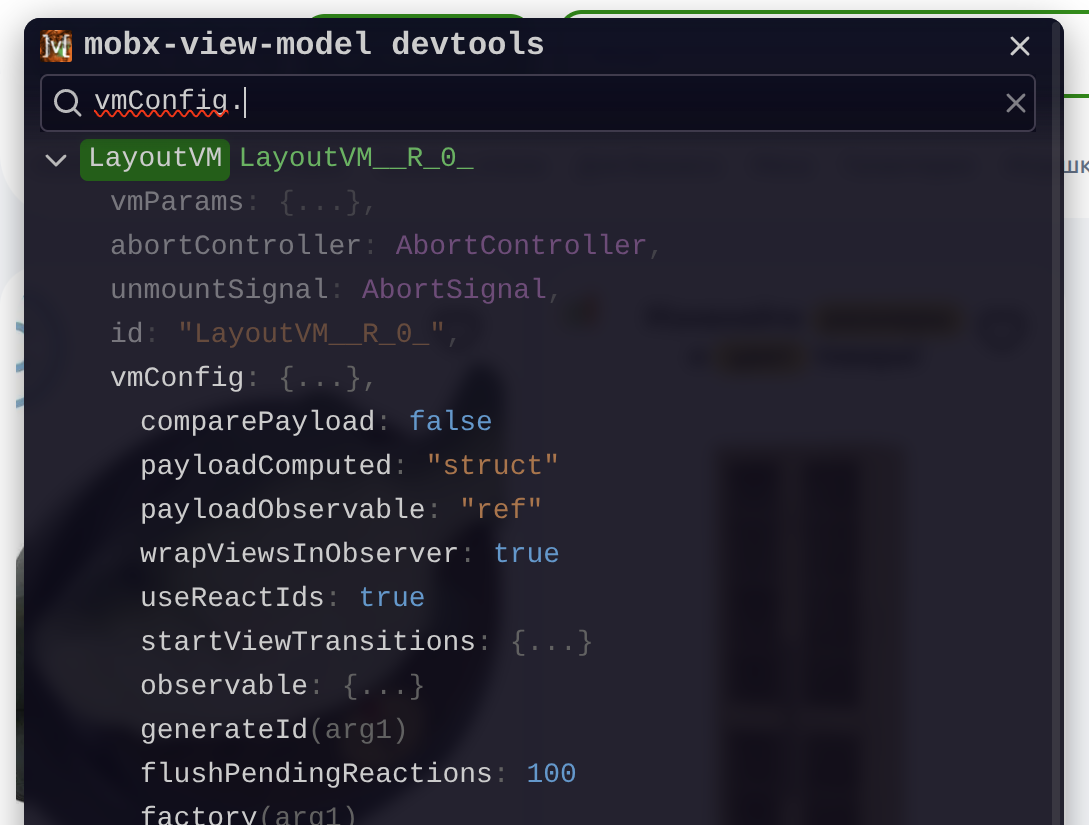
Source: js2me/mobx-view-model-devtools
Installation
The easiest way to inject the devtools is via a <script> tag — no npm install required.
Option 1 — async script (recommended)
<script
  async
  crossOrigin="anonymous"
  src="//unpkg.com/mobx-view-model-devtools/auto.global.js"
></script>
Option 2 — dynamic fetch
Use this approach when you need finer control over when the script is loaded (e.g. only in development mode):
<script>
  fetch('//unpkg.com/mobx-view-model-devtools/auto.global.js').then(async response => {
    const script = await response.text();
    const scriptElement = document.createElement('script');
    scriptElement.innerHTML = script;
    document.head.appendChild(scriptElement);
  });
</script>
Option 3 — package dependency
Install the devtools package with your package manager:
npm install mobx-view-model-devtoolspnpm add mobx-view-model-devtoolsyarn add mobx-view-model-devtoolsThen import and connect it directly from your application code:
import { ViewModelDevtools } from 'mobx-view-model-devtools';

ViewModelDevtools.connect(viewModelStore, extra);
To keep the devtools out of production bundles, load the package only in development:
if (process.env.NODE_ENV === 'development') {
  import('mobx-view-model-devtools').then(({ ViewModelDevtools }) => {
    ViewModelDevtools.connect(viewModelStore, extra);
  });
}
Option 4 — Vite plugin
If you're using Vite, the mobx-view-model-vite-plugin can connect the devtools automatically — no manual setup required:
import { mobxVmVitePlugin } from "mobx-view-model-vite-plugin";

export default {
  plugins: [mobxVmVitePlugin({ devtools: true })],
};
Connecting to a ViewModelStore
After the script is loaded, connect your ViewModelStore to the devtools:
ViewModelDevtools.connect(viewModelStore);Example
import { ViewModelStoreBase } from 'mobx-view-model';

const viewModelStore = new ViewModelStoreBase();

ViewModelDevtools.connect(viewModelStore);
Connecting extra data
You can also expose arbitrary data (e.g. global stores, services) alongside your ViewModels:
ViewModelDevtools.connectExtras({ foo: 'bar' });This is useful for attaching a RootStore or any other object you want to inspect in the panel.
Development-only setup
To avoid loading devtools in production, wrap the injection in a condition:
if (import.meta.env.DEV) {
  const script = document.createElement('script');
  script.src = '//unpkg.com/mobx-view-model-devtools/auto.global.js';
  script.crossOrigin = 'anonymous';
  script.async = true;
  script.onload = () => {
    ViewModelDevtools.connect(viewModelStore);
  };
  document.head.appendChild(script);
}